If you have forgotten your Plant Science Academy password, or you need to reset it, follow these steps.
From the login page, click on the 'Forgot your password’ button. This option is above the login button.
Image
You will be directed to the 'Reset password' page. Type in the email address you used to register for Plant Science Academy and click submit.
Image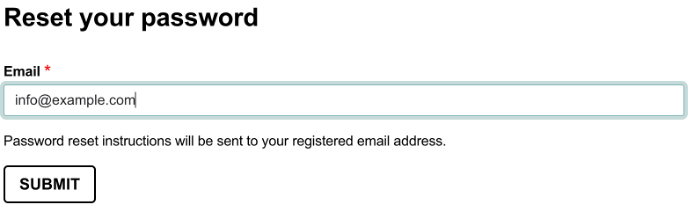
You will receive a link via your registered email that you can use to reset your password. This link is valid for one use and expires 24 hours after use. If your link has expired, request a new one by following the above two steps again.
Image
- The link will take you to a screen that will allow you to log into your profile and reset your password.

- From here, enter your new password on your profile.

- Remember to save your profile to ensure your new password is saved.
